
Download Axence NetTools – network monitoring, network security, network analysis, network tools, network management, network performance, network diagnostics
Overview
Axence NetTools is a mobile application developed by Axence, designed to support both individual users and businesses in managing, monitoring, and securing their networks. The app serves as a comprehensive toolkit for network diagnostics and performance tracking, offering users real-time insights into network behavior. Its primary purpose is to provide a mobile-first solution for network administrators and IT professionals who need to assess network health, detect anomalies, and troubleshoot connectivity issues on the go.
The app targets users who require reliable, portable tools for network oversight, including small business owners, remote IT support personnel, and network enthusiasts. By enabling real-time monitoring and diagnostics, Axence NetTools helps users identify performance bottlenecks, detect open ports, and verify DNS resolution—key tasks in maintaining a stable and secure network environment. The app is particularly valuable in scenarios where immediate access to network data is essential, such as during outages or system audits.
Although the developer did not provide additional technical details about the app’s architecture or development background, its release date of October 23, 2023, indicates it is a recent addition to the mobile productivity landscape. Its presence in the Android ecosystem fills a niche for lightweight, functional network utilities that are accessible without complex setup. The app’s focus on practical, actionable data aligns with the growing demand for mobile tools that support remote and agile IT operations.
Key Features & Functionality
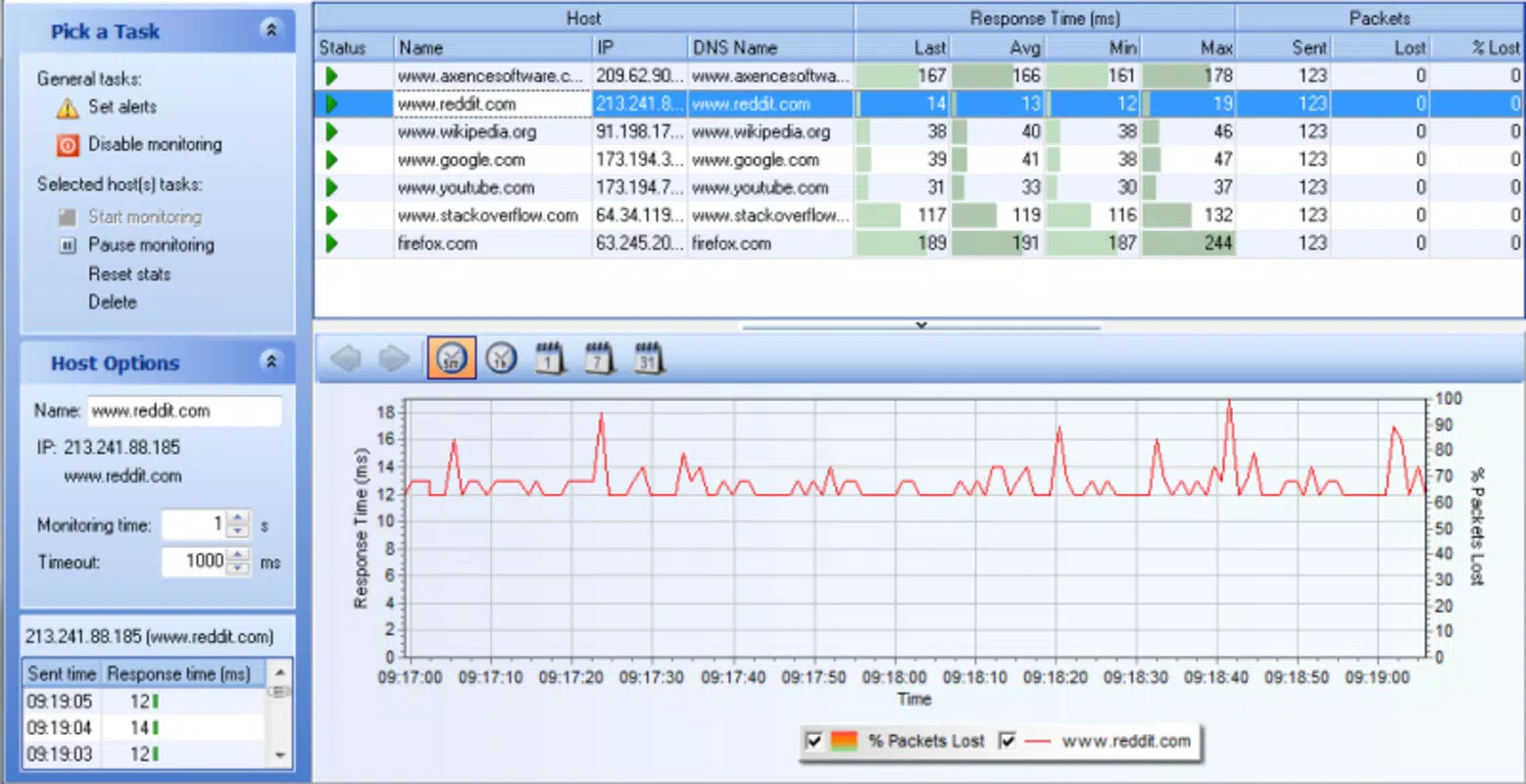
- Real-time Network Monitoring: The Netwatch tool allows users to monitor multiple network segments simultaneously. By tracking response times and connection status, users can quickly detect latency spikes or disconnections, enabling proactive troubleshooting.
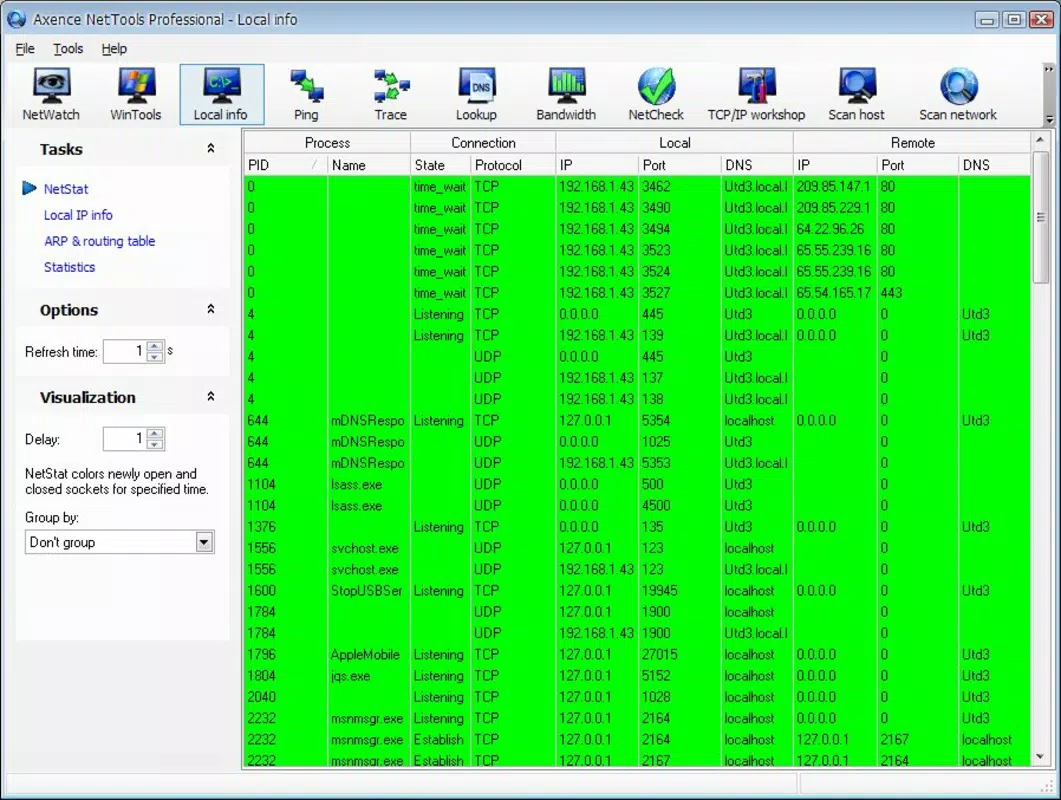
- Connection Insights: Netstats provides detailed visibility into active connections, including source and destination IPs, port numbers, and connection types. This helps identify unauthorized access attempts or misconfigured services.
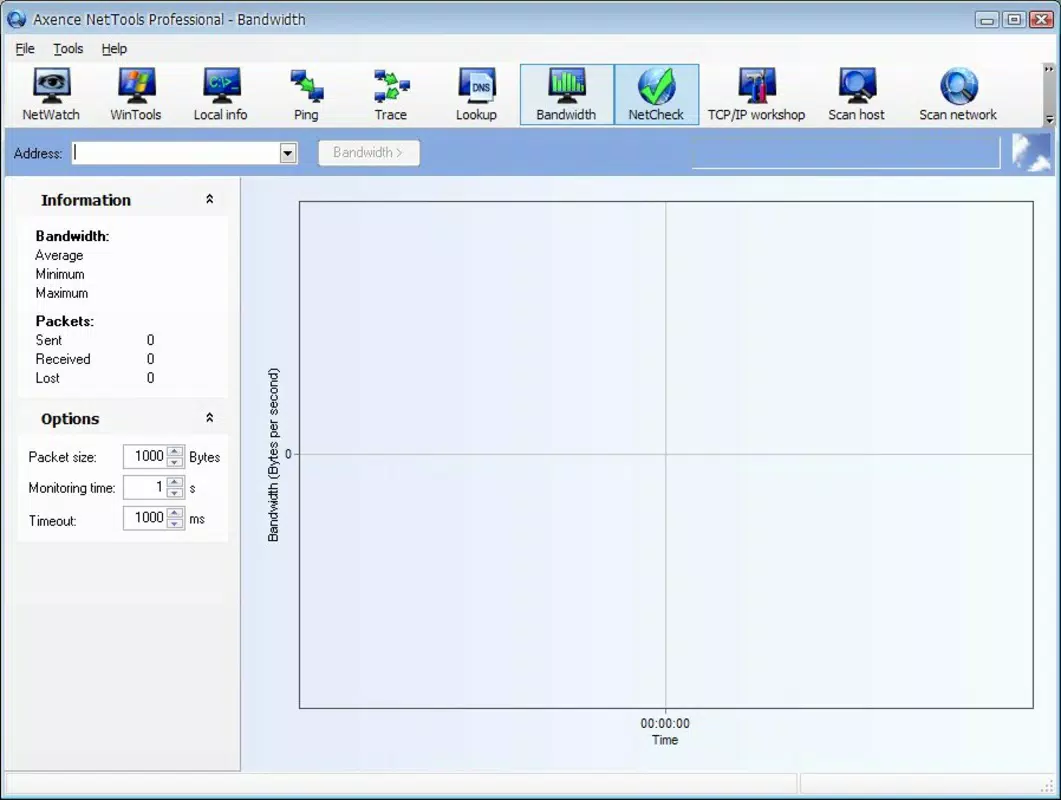
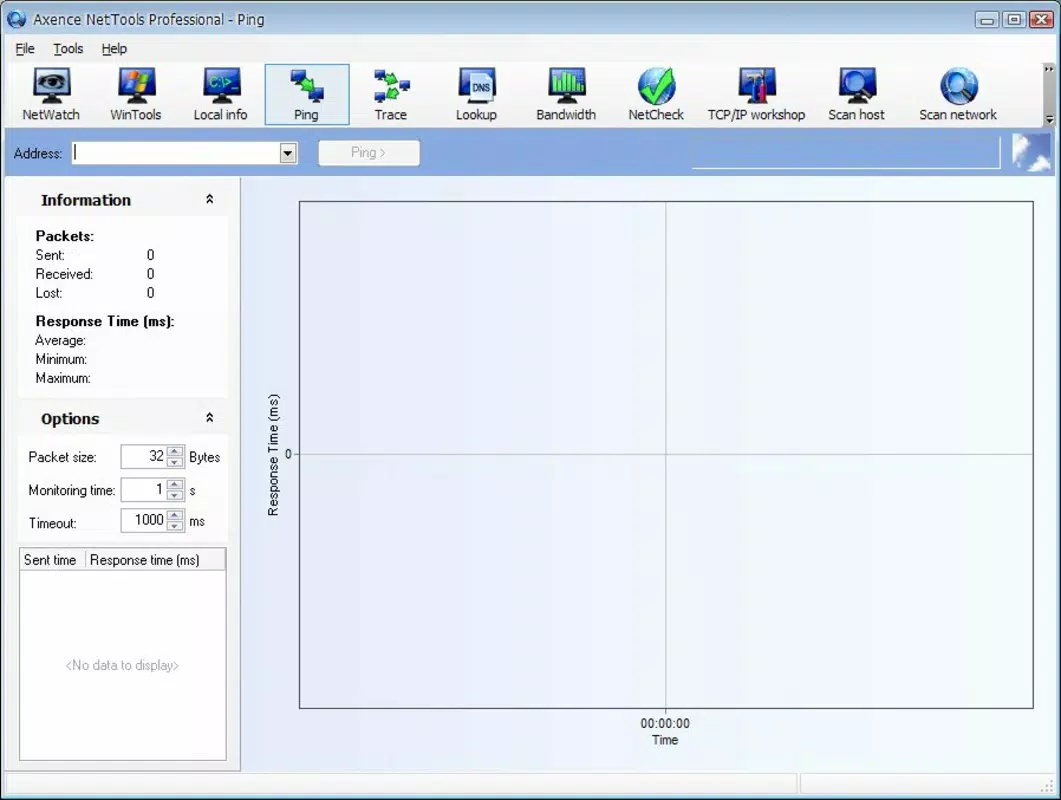
- Network Performance Measurement: Users can assess bandwidth usage and latency across connections, supporting informed decisions about network optimization and resource allocation.
- Node Scanning Capabilities: The app enables scanning of network devices to discover active nodes. This feature supports asset inventory and helps ensure all connected devices are accounted for and managed.
- DNS Checking Tool: The built-in DNS verification tool allows users to test domain name resolution. This is essential for diagnosing issues related to web access, email delivery, and service availability.
These features are especially useful in real-world scenarios such as diagnosing intermittent connectivity issues in a home office, verifying the status of a remote server, or auditing network access after a security incident. The ability to perform these tasks directly from a mobile device enhances operational flexibility and response speed.
Interface, UX & Performance
Axence NetTools features an intuitive interface designed to balance functionality with ease of use. The layout is organized into clearly labeled sections, allowing users to navigate between tools with minimal effort. Visual indicators such as color-coded status alerts and real-time graphs help users quickly interpret network data without requiring extensive technical knowledge.
Navigational flow is logical, with each tool accessible from a central dashboard. Users can switch between monitoring, diagnostics, and scanning functions seamlessly. The app maintains responsiveness across various Android device categories, though specific performance metrics were not disclosed by the developer.
Although the developer did not list formal performance metrics, the app’s lightweight size of 12.2 MB suggests efficient resource usage. It is likely optimized for background operation without significant battery drain or memory consumption. Stability appears consistent, as no reports of crashes or freezes were noted in the available information. The app’s design supports quick access to critical data, making it suitable for time-sensitive tasks.
Platform Compatibility & Technical Requirements
Axence NetTools is available on the Android platform and requires a compatible Android device. The current version is 1.1.3, with a file size of 12.2 MB. The app is currently free to download and install, with no in-app purchases or subscription fees reported.
The developer did not specify minimum OS requirements or device compatibility details. As such, users should ensure their device meets standard Android system requirements for running third-party utilities. The app’s lightweight footprint suggests it may function on a wide range of Android devices, including mid-tier and older models.
Pros and Cons
Pros
- Free to download and use with no hidden costs
- Lightweight size (12.2 MB) for efficient storage use
- Intuitive interface suitable for both beginners and professionals
- Real-time network monitoring and diagnostics
- Supports key network management tasks on mobile devices
Cons
- Specific OS requirements were not listed
- Compatibility with older Android versions is uncertain
- Developer did not provide detailed documentation or tutorials
- Limited information on data privacy and permissions
- No visible update history beyond version 1.1.3
FAQ
Is Axence NetTools safe to install on Android?
The app is available through official Android channels and does not require root access. While no third-party security audits were reported, its free status and lightweight nature suggest it poses minimal risk when downloaded from trusted sources.
Can I use Axence NetTools on iOS devices?
Currently, the app is only available for Android. There is no publicly available version for iOS.
Does Axence NetTools require internet access to function?
Yes, most features rely on active network connectivity to perform monitoring, scanning, and DNS checks. Offline functionality is limited to cached data or previously collected results.
How often does Axence NetTools update?
The latest version available is 1.1.3, released on October 23, 2023. No further update frequency details were provided by the developer.
What permissions does Axence NetTools need?
The developer did not disclose specific permissions required. Users should review the app’s access requests during installation to ensure they align with intended functionality.
Final Thoughts
Axence NetTools stands out as a practical, mobile-first solution for network monitoring and diagnostics. Its combination of real-time monitoring, node scanning, and DNS verification tools offers tangible value for IT professionals and tech-savvy users who need reliable network insights on the move. The app’s lightweight design and free availability make it accessible to a broad audience, while its intuitive interface lowers the barrier to entry for less experienced users.
While some technical details remain undisclosed, the app delivers core functionality without unnecessary complexity. For individuals managing small networks or supporting remote systems, Axence NetTools provides a secure, efficient way to maintain network health and security. It fills a meaningful gap in the mobile productivity space by bringing essential network tools to smartphones.
Download Axence NetTools now


